myERP24 · InsightsDemo views with protected sample data
Insights instead of promises

See how the workflow stays together.

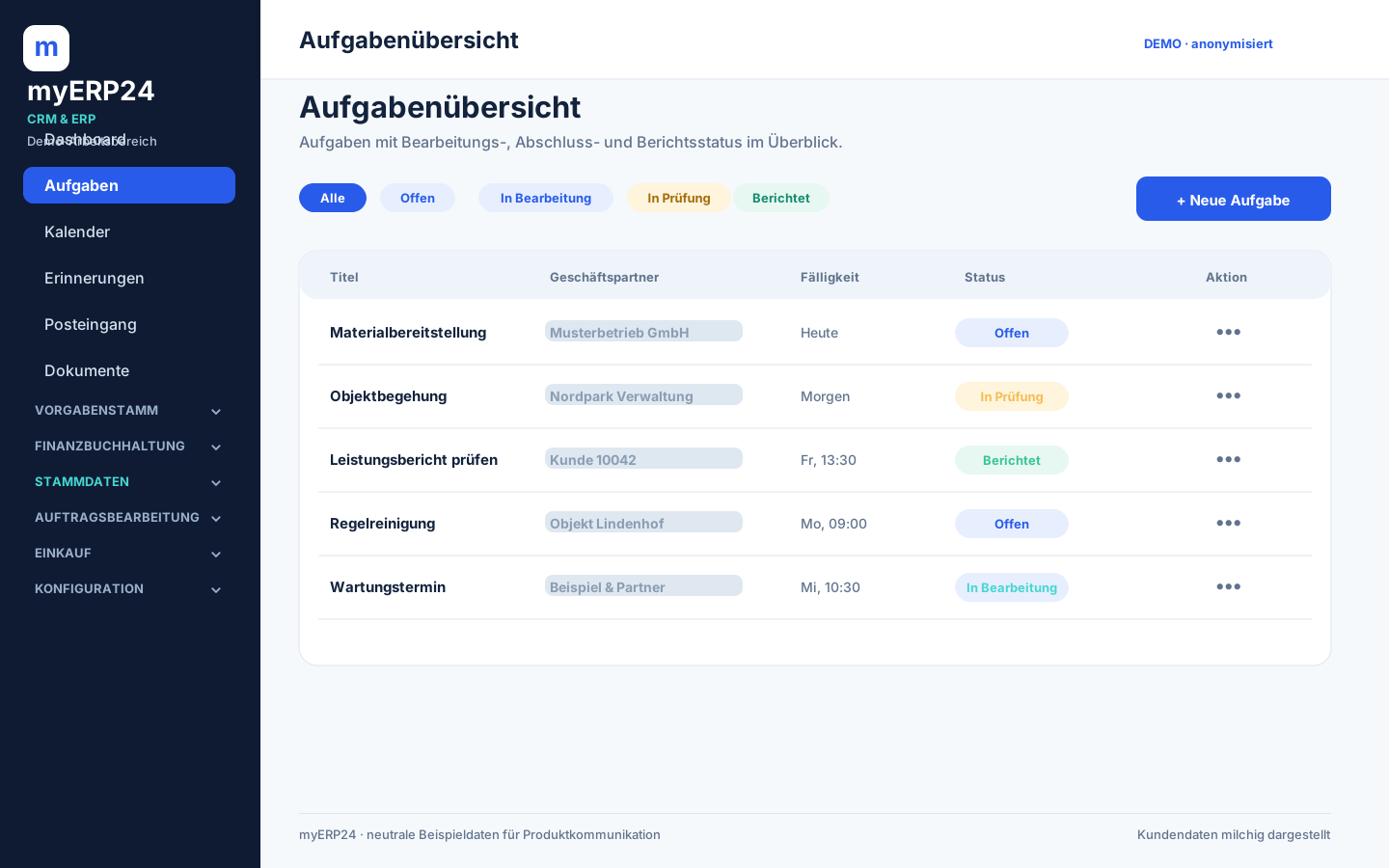
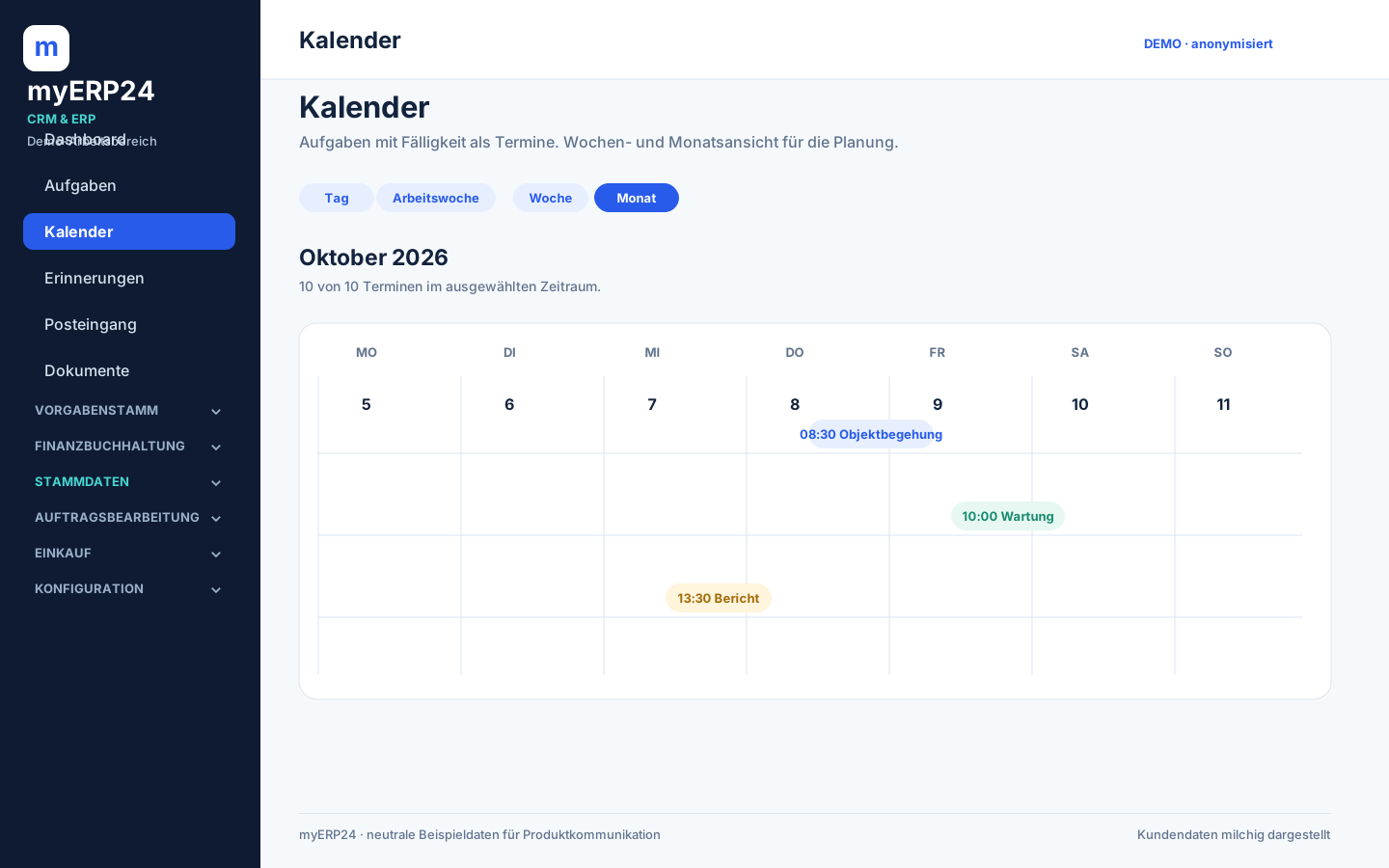
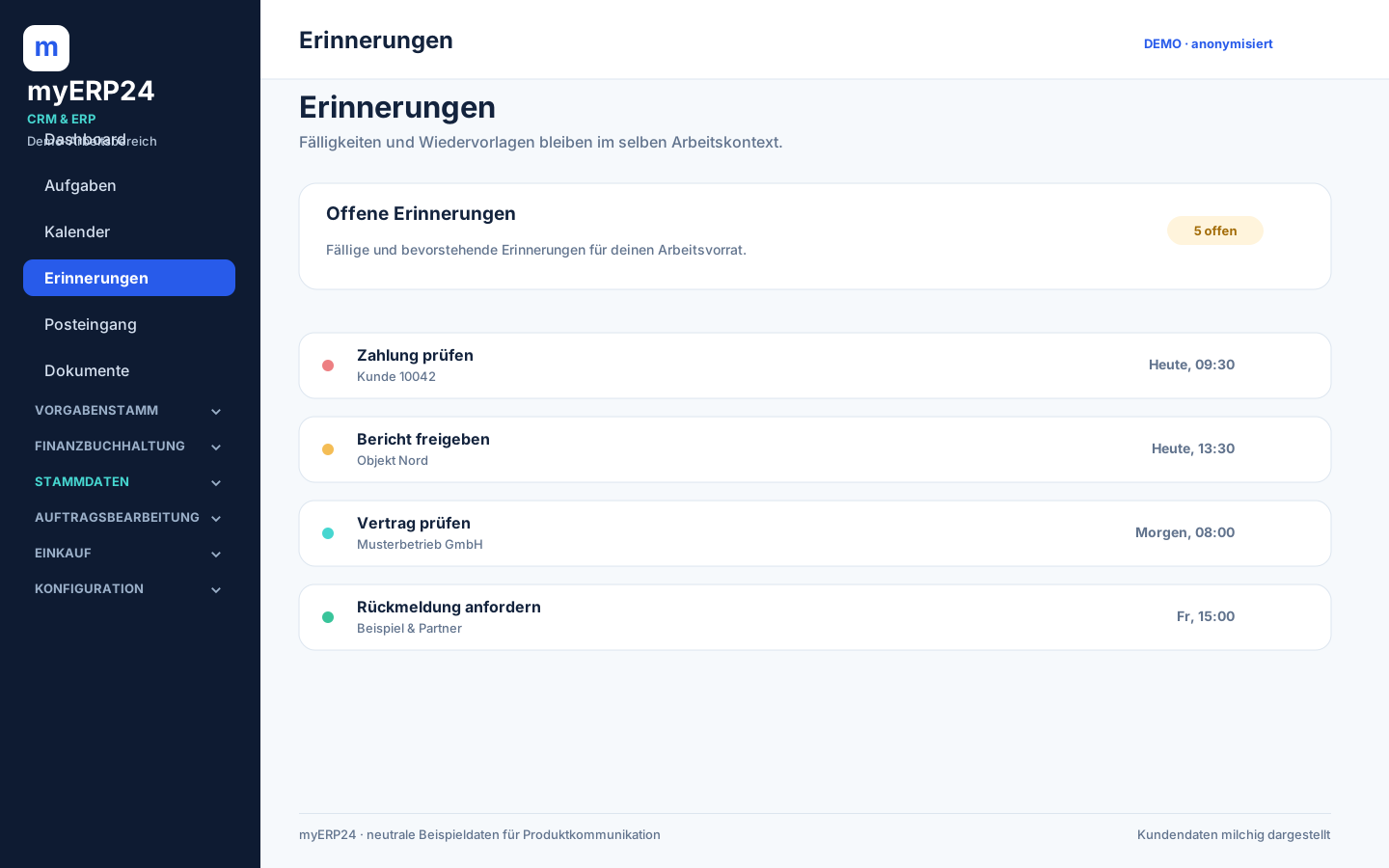
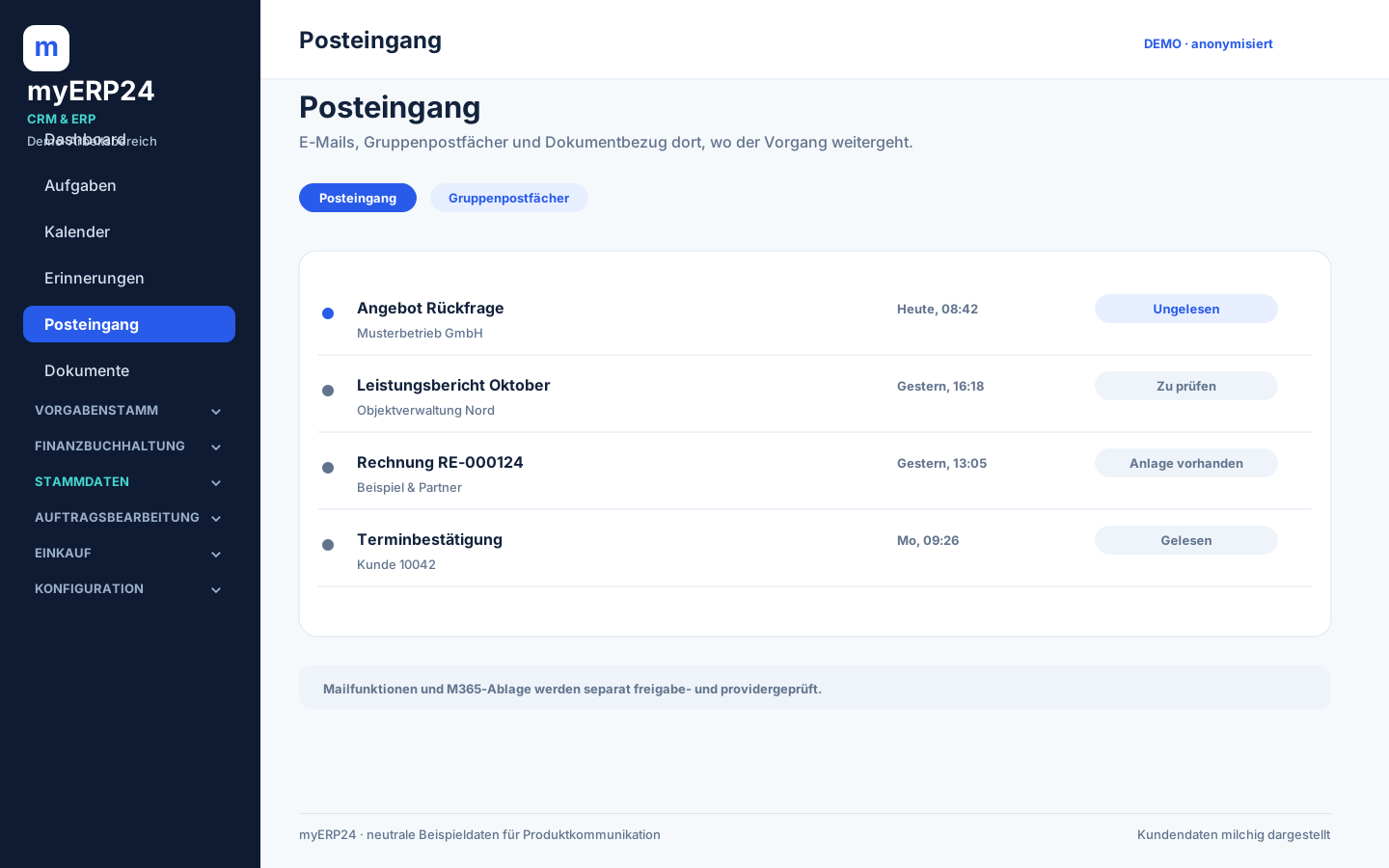
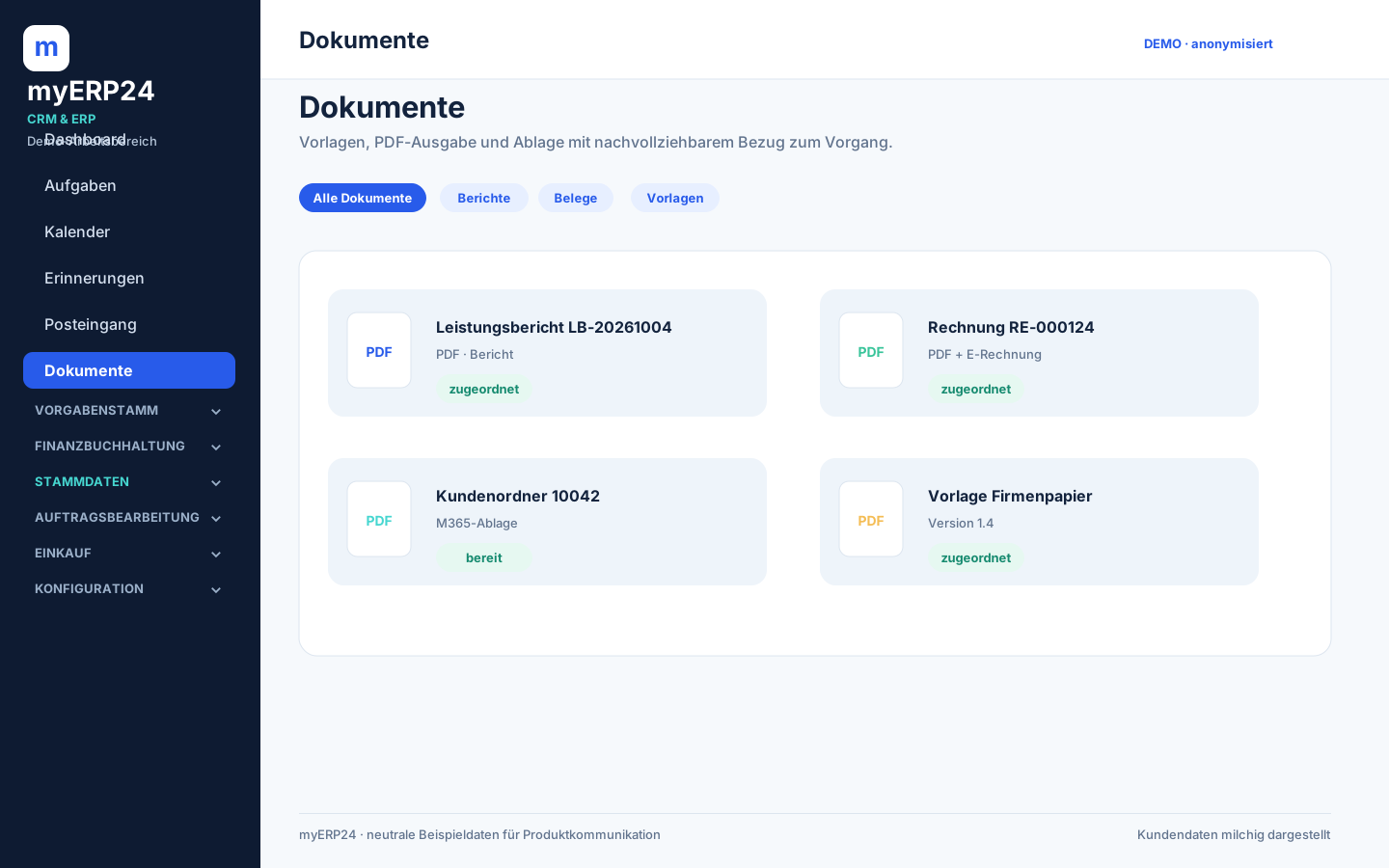
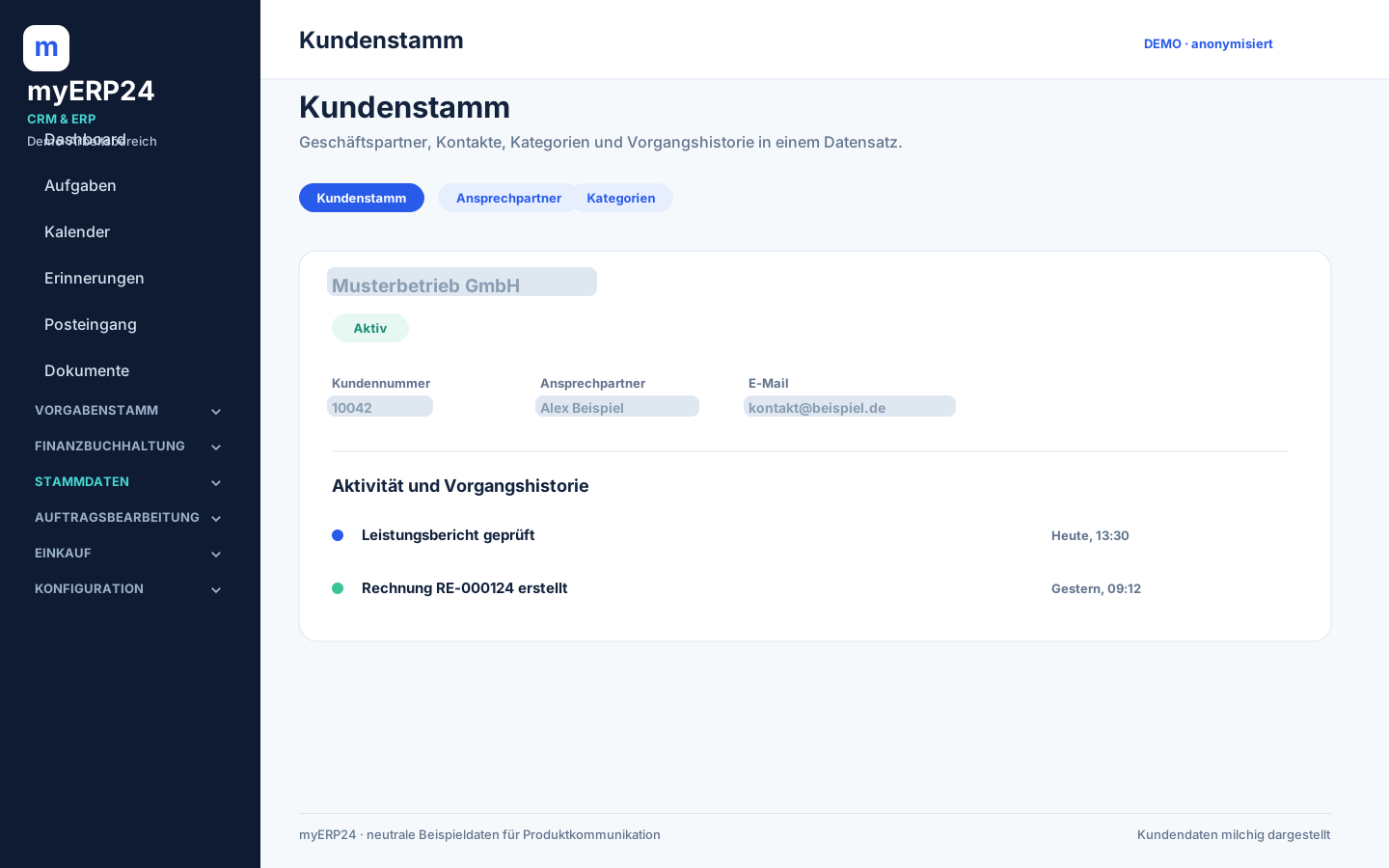
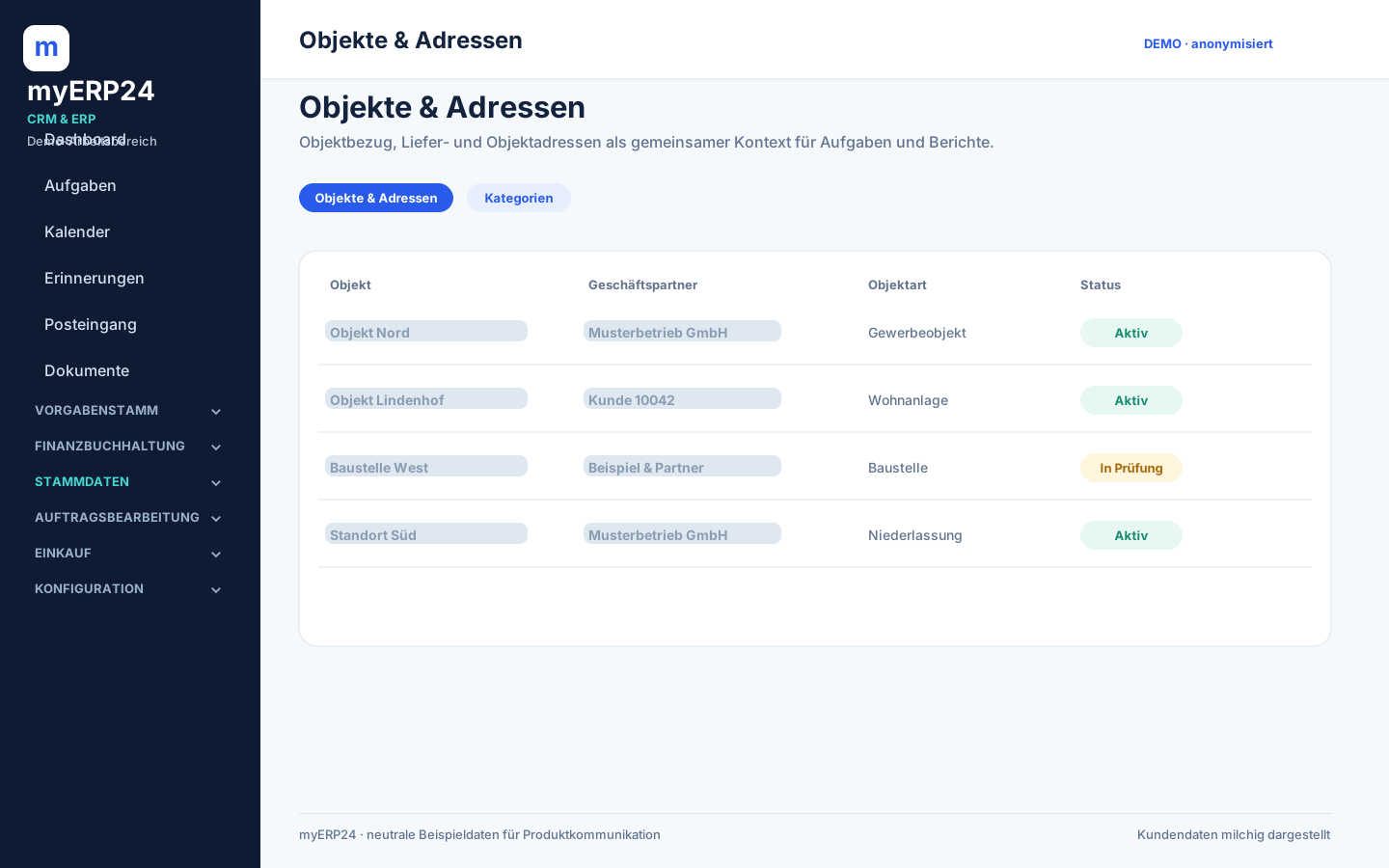
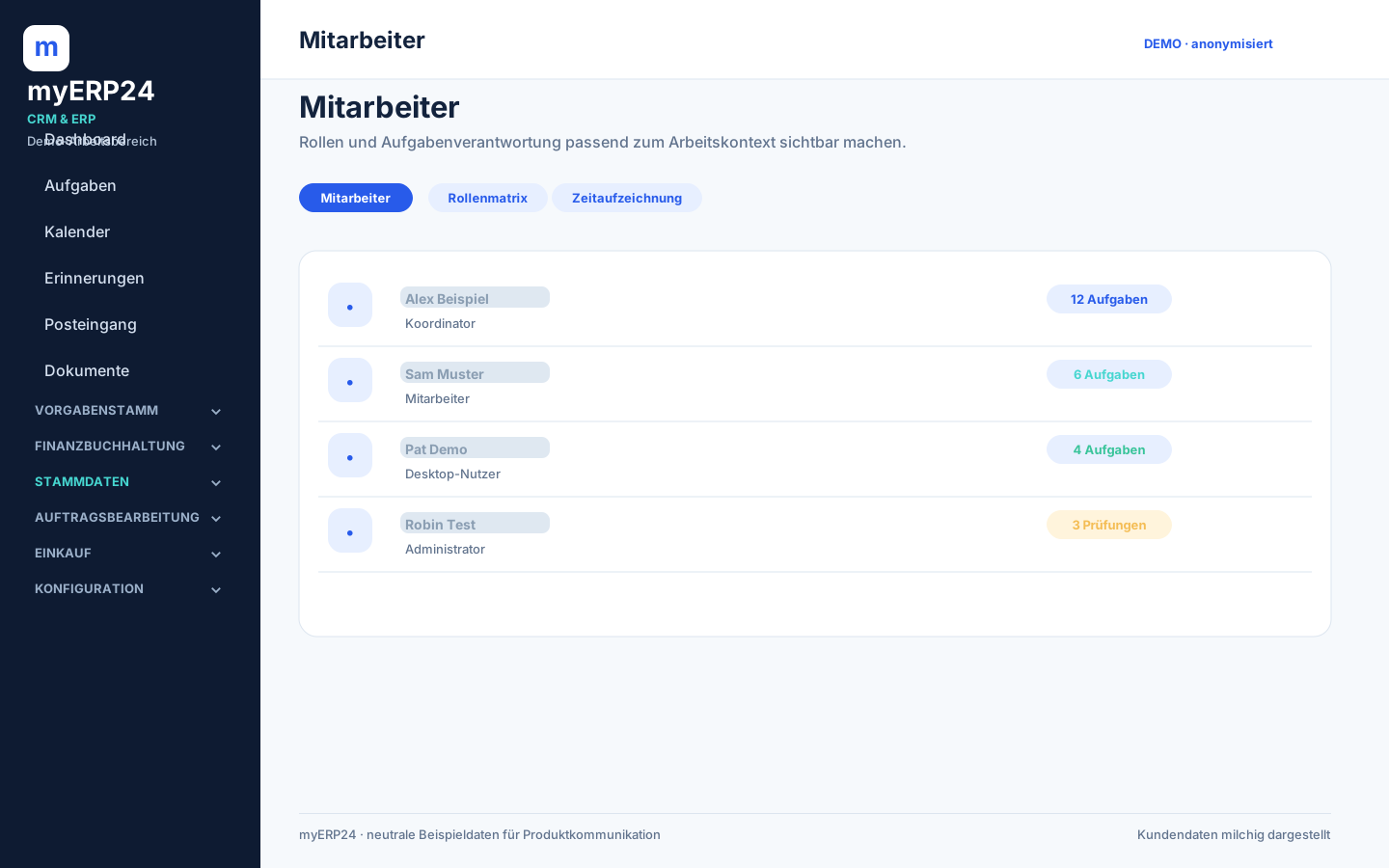
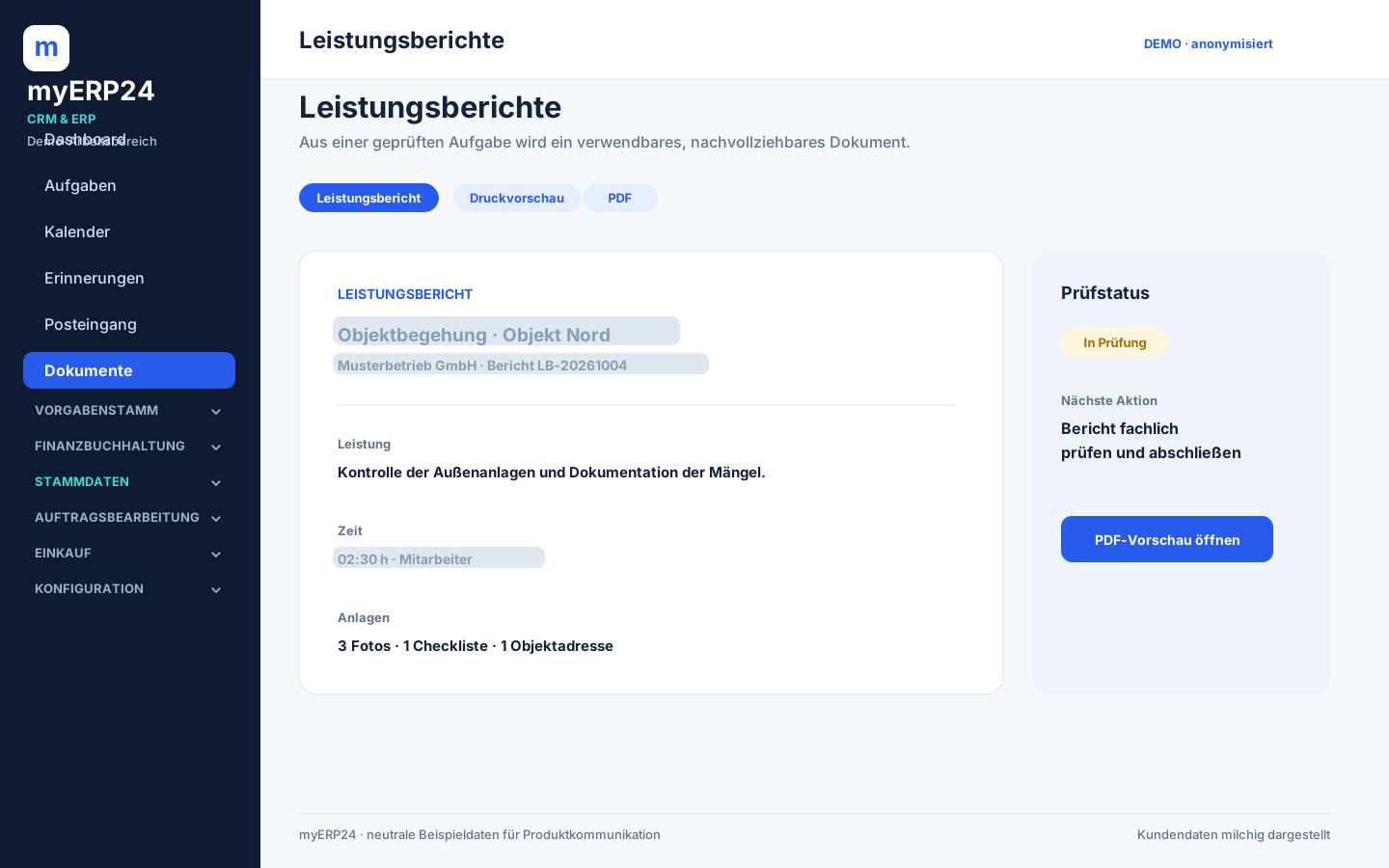
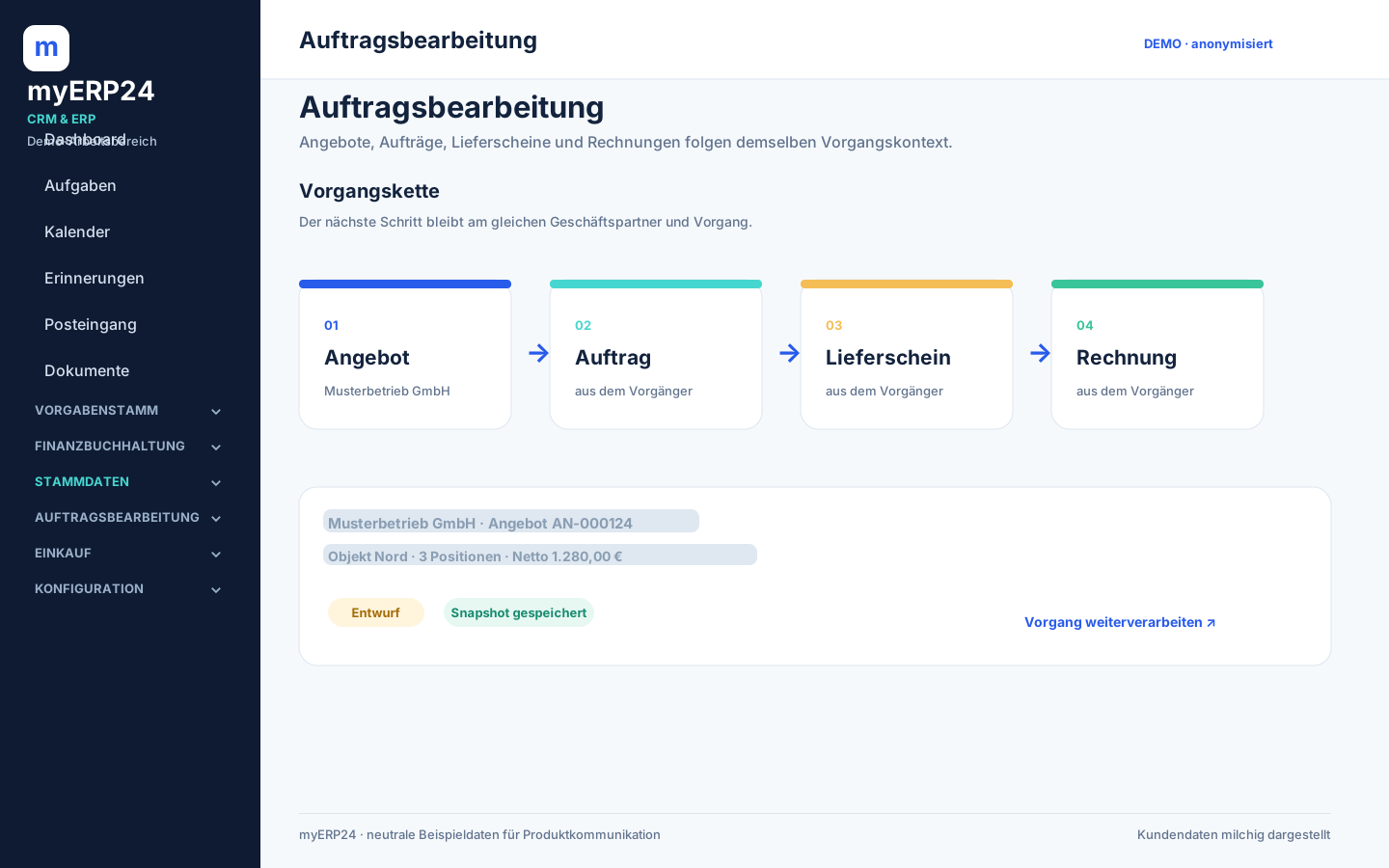
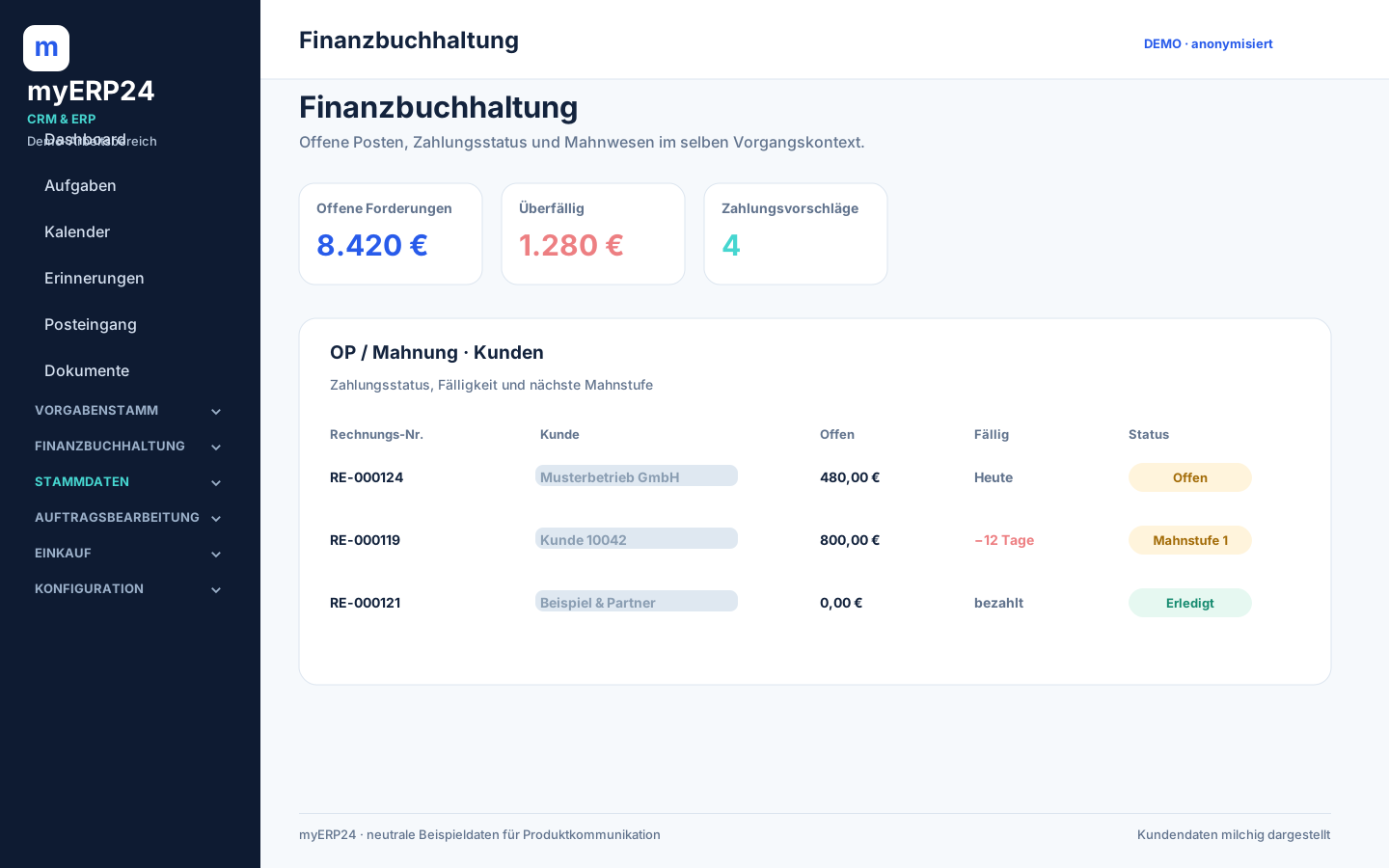
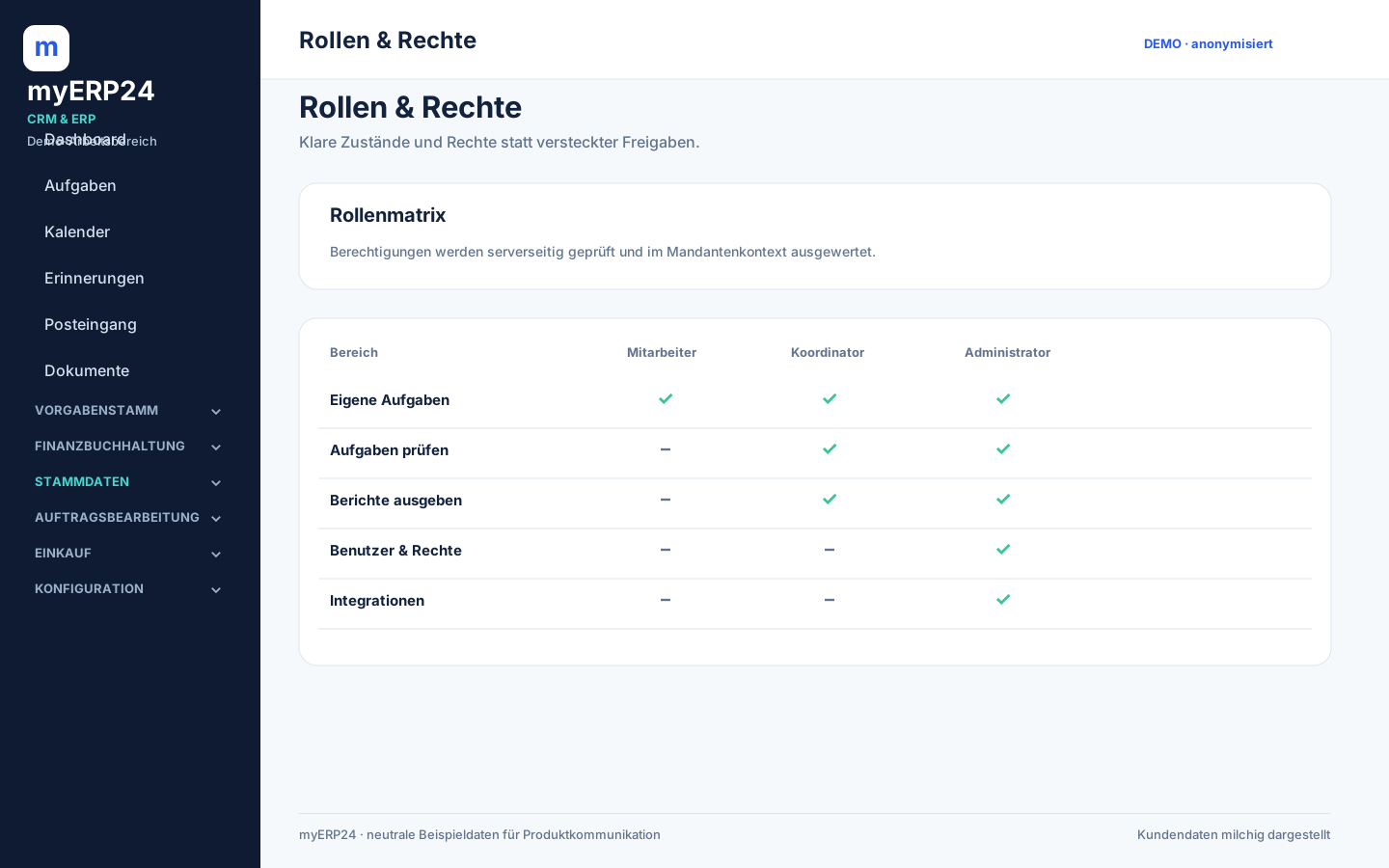
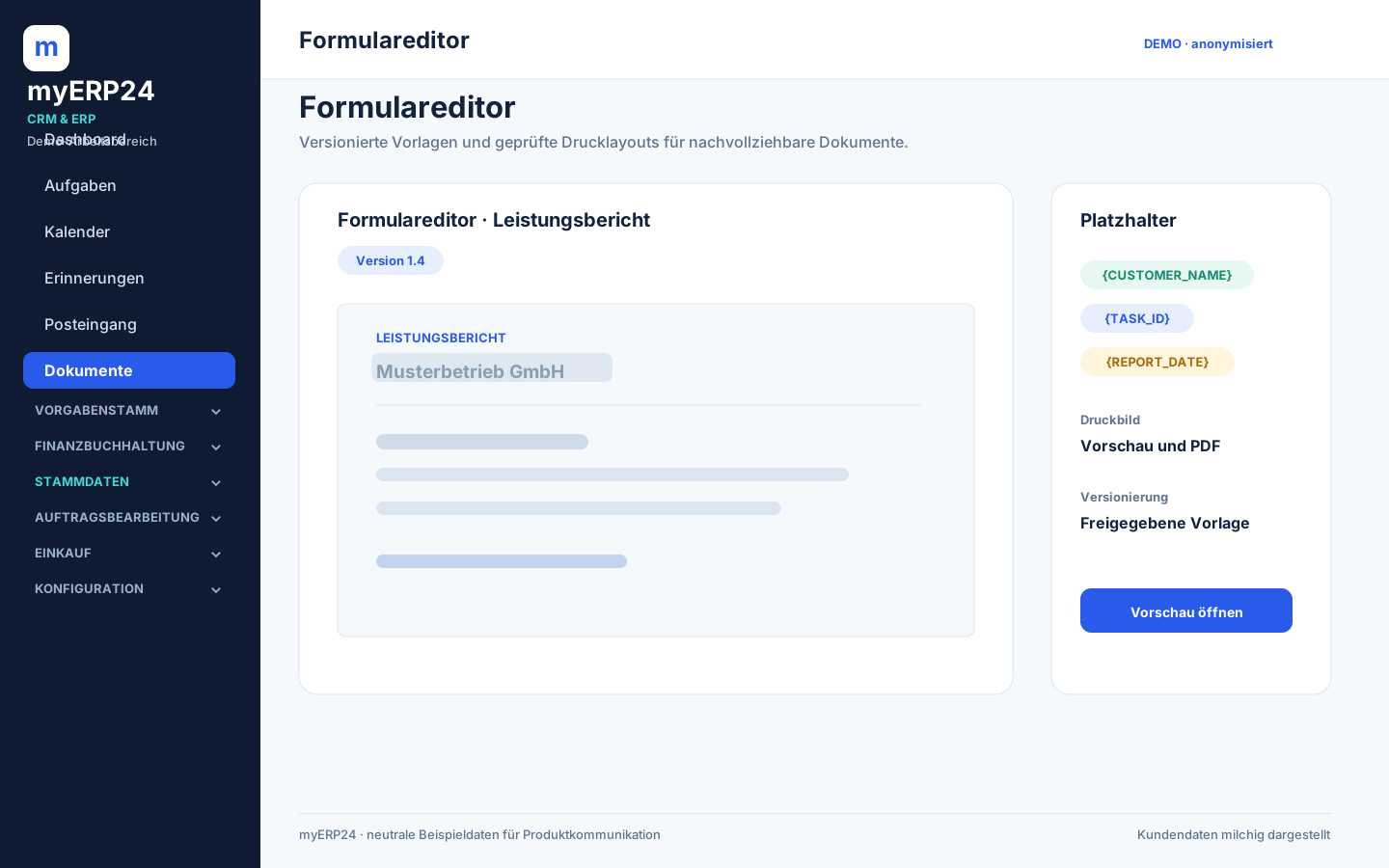
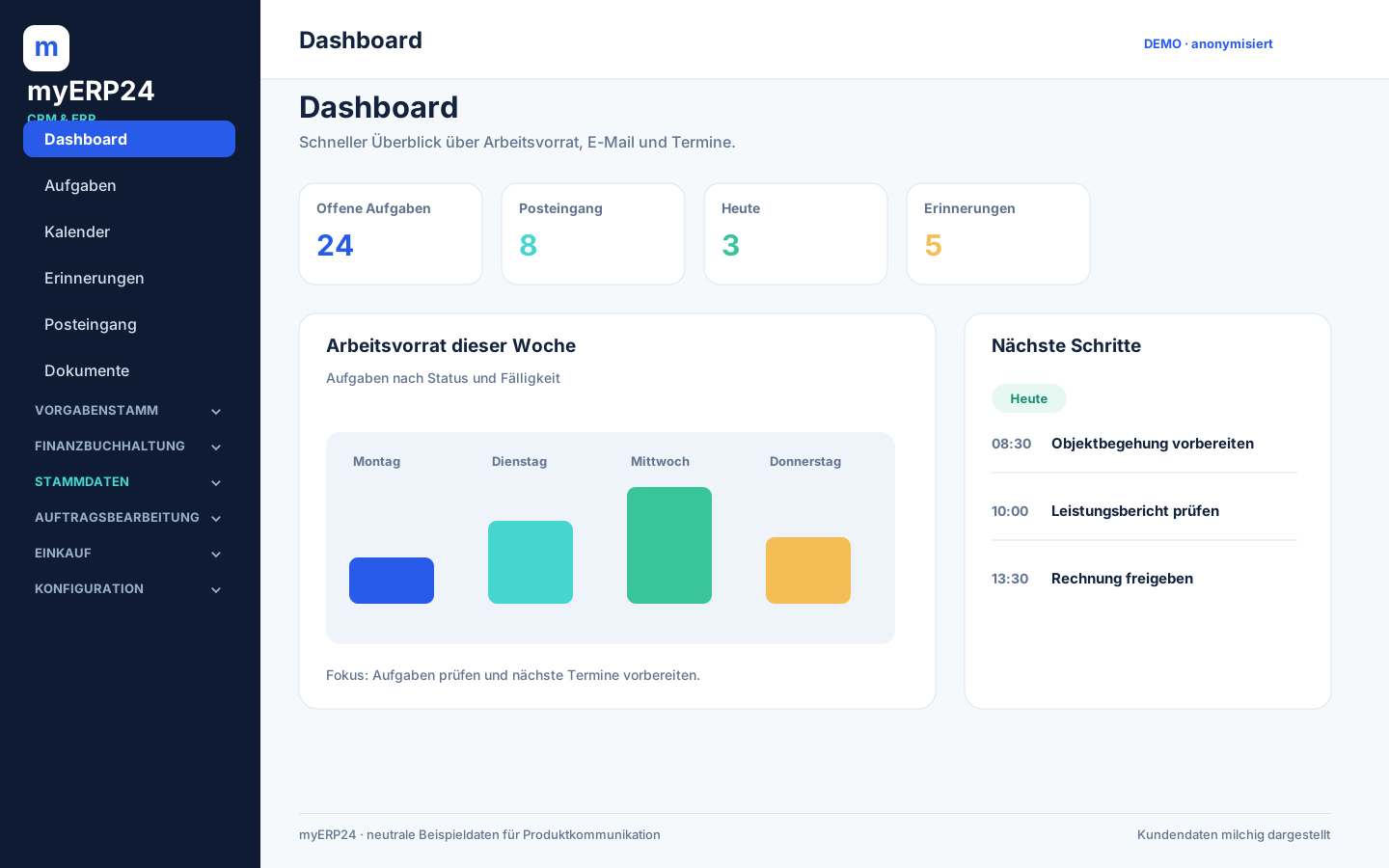
These anonymised demo views show the most important work surfaces of myERP24. Customer names, e-mail addresses, numbers and employee data are deliberately blurred.

15 feature views

The interface stays understandable, even as the process grows.

The screens are derived from the documented myERP24 workflow and built with neutral sample data.
Privacy note: Visible customer data, e-mail addresses, numbers and names are not meant to be legible and are deliberately blurred. The demo views contain no production customer data.

6 interactive workflows

Don't just look at features – understand them step by step.

The demos run directly in the browser, without external video and without tracking. Use “Next step” to control the flow yourself.

01 · One Window

The context stays open.

myERP24 · shared work context
Select customerOpen taskReview service reportHand over case
02 · Task flow

From open to reported.

OpenTask is scheduled
In progressStart and status in context
In reviewReport awaits approval
ReportedDocument can move on
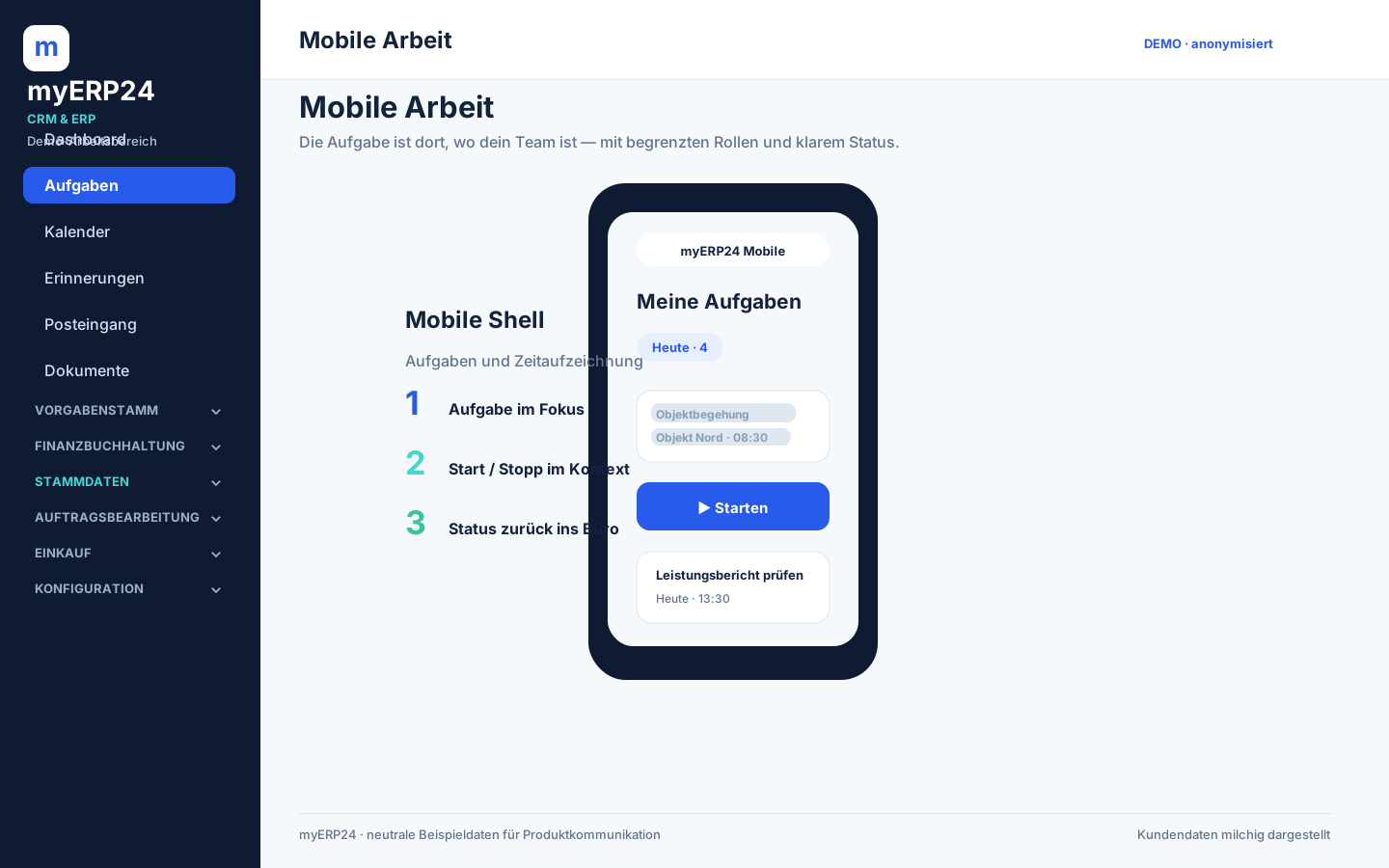
03 · Mobile

The status comes back to the office.

Select task▶ Start■ Stop✓ Send for review
04 · Calendar

Due dates become plannable.

MOTUWETHFRTaskAppointmentReportNext week
05 · Documents

Work becomes a document.

Service report
Print preview
PDF / e-invoice
Filed in the case
06 · Modules

Start small, extend in control.

CRM & Service
Sales
Accounting
Tax
Real workflows

The best demo starts with your working day.

We show you the flow on concrete tasks – with neutralised data and a clear line between available, prepared and coming soon.

Request a demo ↗